
Smart Control. Real Reliability.
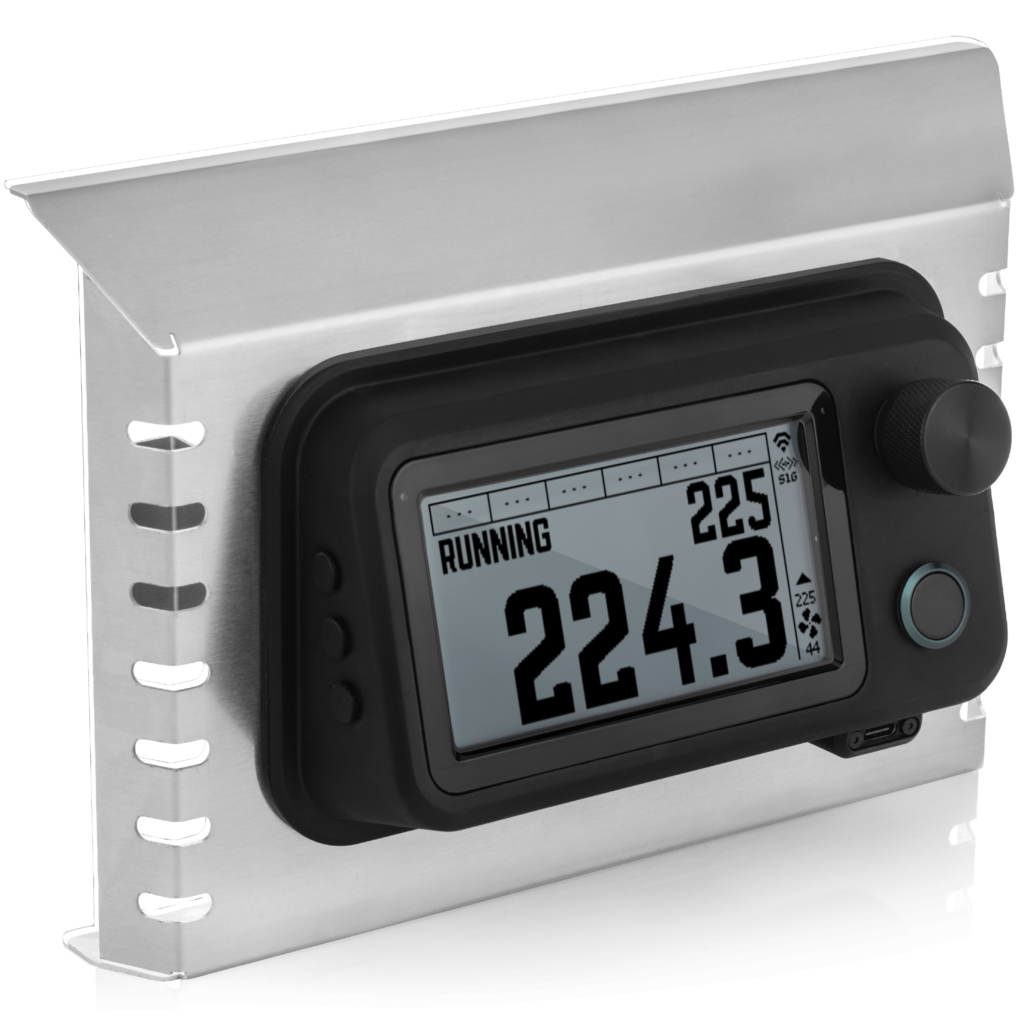
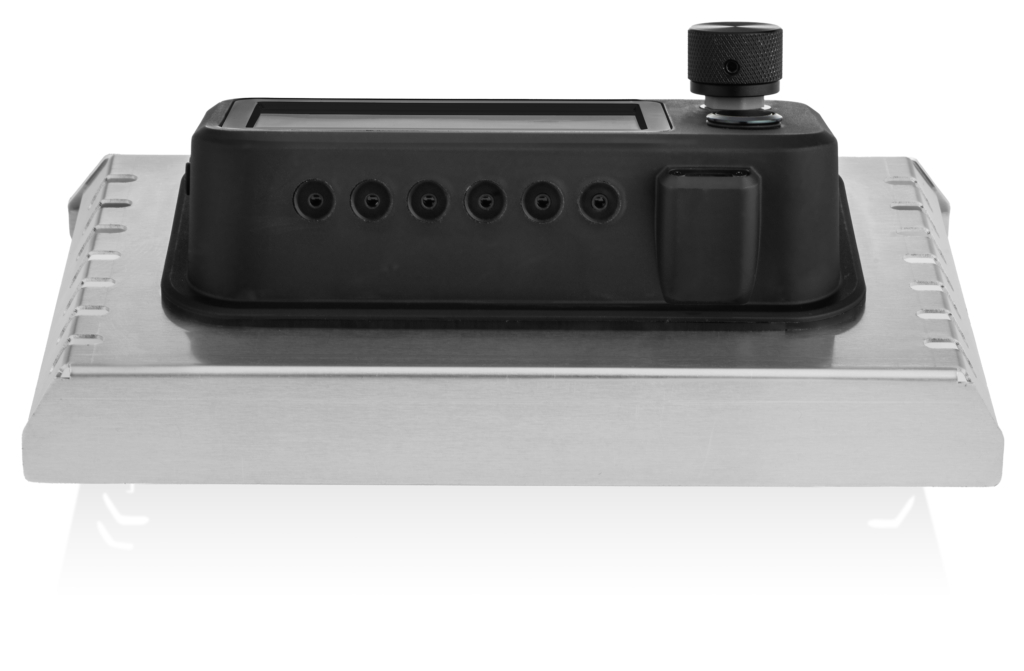
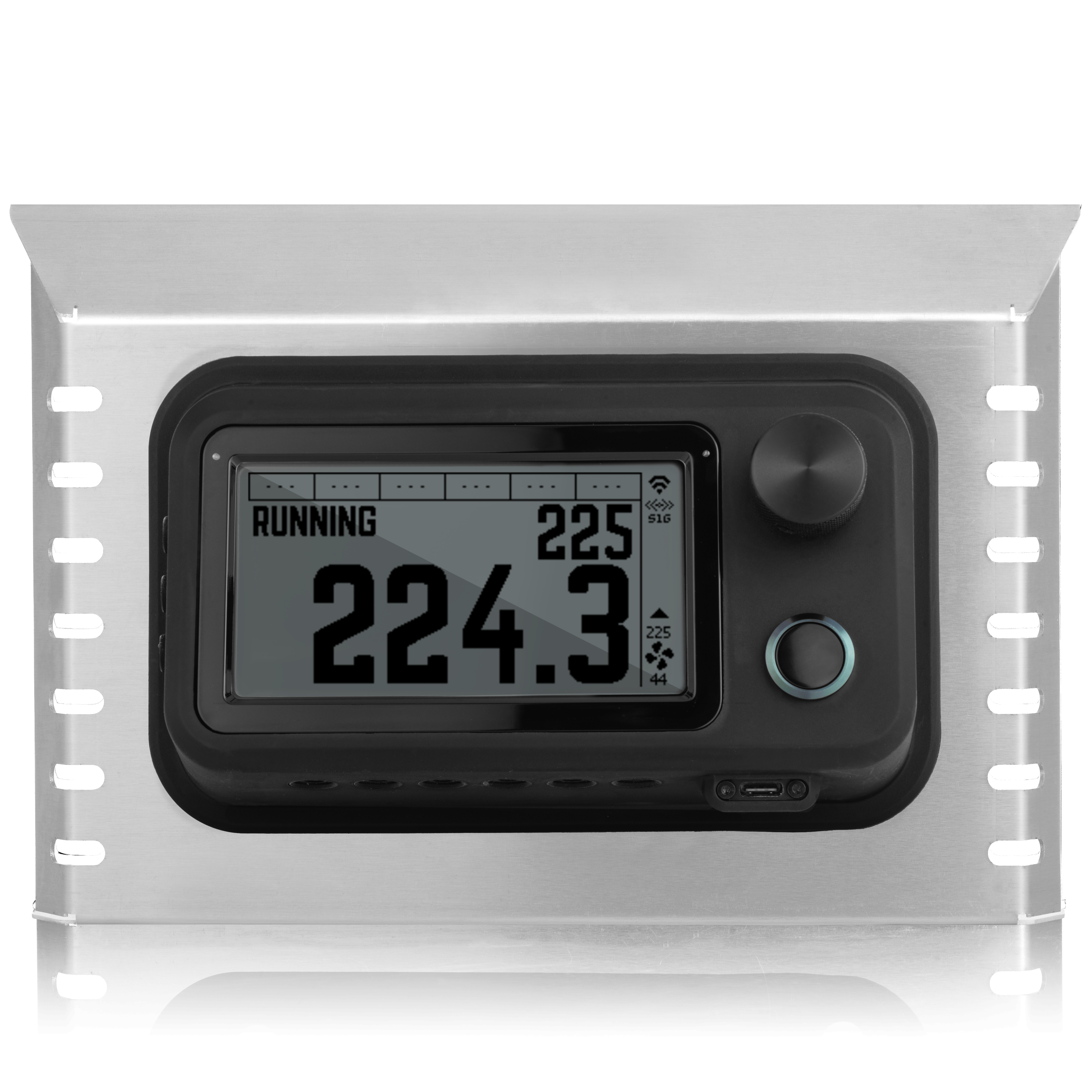
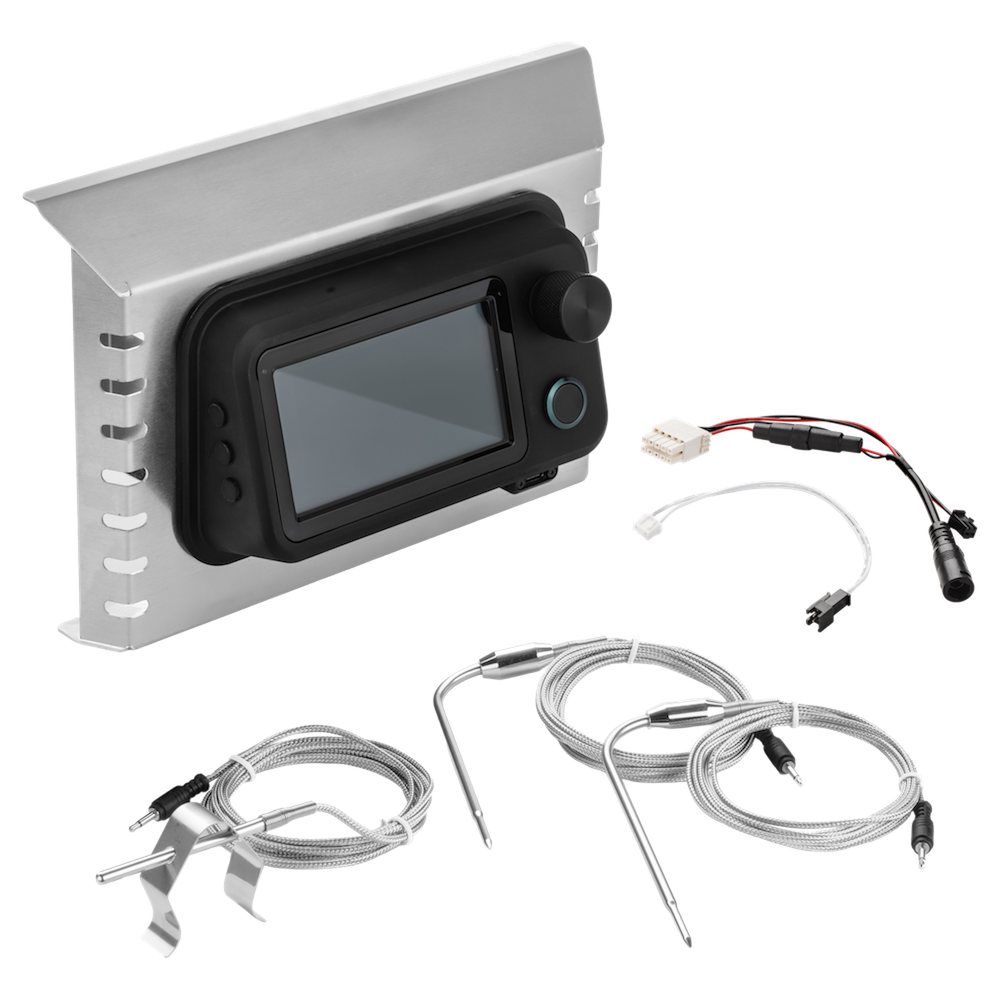
The FireBoard DC Drive replaces and enhances your Gravity Series grill’s control system with precise temperature control, variable fan management, and reliable connectivity. Powered by the FireBoard app, it delivers better performance, deeper insight, and total control over every cook.

Remote Control via FireBoard App
Monitor and adjust your cook from anywhere.

WiFi + Bluetooth + S1G Connectivity
Stay connected whether you’re nearby or off-site.
Plug & Play Compatibility
Works with Masterbuilt Gravity Series 1050 and 800, support for additional models coming soon.
Easy Installation.
Just swap out your existing controller – no tech skills needed.

Backed by Our Proven Tech
Trusted by BBQ pros and backyard pitmasters alike.
FireBoard DC Drive works with Masterbuilt® grills, with support for additional models and brands coming soon. FireBoard is not affiliated with or endorsed by these brands. Compatibility varies – please verify your model before ordering.
COMPATIBILITY & INSTALLATION
The DC Drive is designed for easy installation on Masterbuilt® Gravity Series 1050 and 800, support for additional models coming soon.
Frequently Asked Questions
The FireBoard DC Drive currently works with Masterbuilt® 1050 and 800 Gravity Series grills. Mounting options for other grills are coming soon.
The FireBoard DC Drive replaces your existing controller with a clean, seamless fit using the original mounting points.
A standard Phillips screwdriver is the only tool required for install.
FireBoard offers a standard one year warranty on the FireBoard DC Drive. Any other warranties would be through the respective manufacturer of the other items. NOTE: as installation of the FireBoard DC Drive is a retrofit, you may be voiding any current warranties offered by the manufacturer.
Yes, both! Setup is conducted initially through a Bluetooth connection to your device. Control is possible with only a Bluetooth connection. However, Bluetooth is only stable for a few feet. The FireBoard DC Drive connects to your local WiFi network after setup through the FireBoard App.
Yes! The Pulse, manufactured with our S1G technology, is fully compatible with the DC Drive. S1G antennas are built-in to the DC Drive for this functionality!
Get started with the FireBoard mobile app
1. Download the app for iOS or Android
You can download the FireBoard app for free, whether iOS or Android. Once downloaded, create your FireBoard account. You’ll use this account to track and manage your cooks both in the app as well as on our online dashboard.


2. Sync your device
In the mobile app, navigate to Settings > Add New Device. If your FireBoard device is turned on, it will become available to sync – just like any standard Bluetooth device pairing. Simply tap to sync, and you’re ready to go.
3. Start cooking
Now that you’ve synced your FireBoard device to your account, it’s time to test it in the field. For details on your specific device, check out our online Knowledge Base. It’s frequently updated with new features, setup and troubleshooting guides, device specifications, and more.
