
Smart Features. Serious Control.
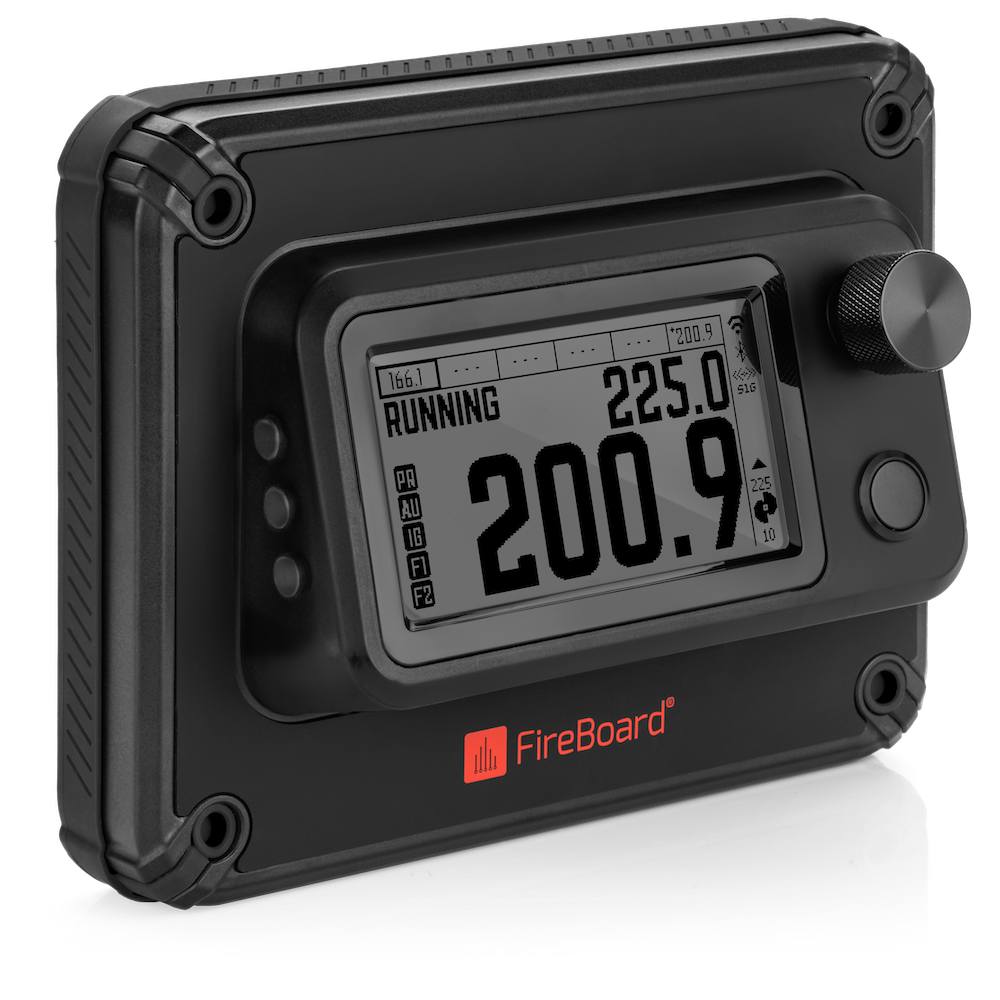
The FireBoard Pellet Drive is a plug & play replacement controller that adds Wi-Fi, Bluetooth, and S1G connectivity to your pellet grill. Designed to work with the FireBoard mobile app, it brings precision control, remote monitoring, and sleek modern design to your current smoker setup.

Remote Control via FireBoard App
Monitor and adjust your cook from anywhere.

WiFi + Bluetooth + S1G Connectivity
Stay connected whether you’re nearby or off-site.

Plug & Play Compatibility
Works with most Traeger®, Pit Boss®, and Camp Chef® models.*

Easy Installation.
Just swap out your existing controller—no tech skills needed.

Backed by Our Proven Tech
Trusted by BBQ pros and backyard pitmasters alike.
FireBoard Pellet Drive is designed to work with Traeger®, Pit Boss®, and Camp Chef® grills. FireBoard is not affiliated with or endorsed by these brands. Compatibility varies—please verify your model before ordering.
COMPATIBILITY & INSTALLATION
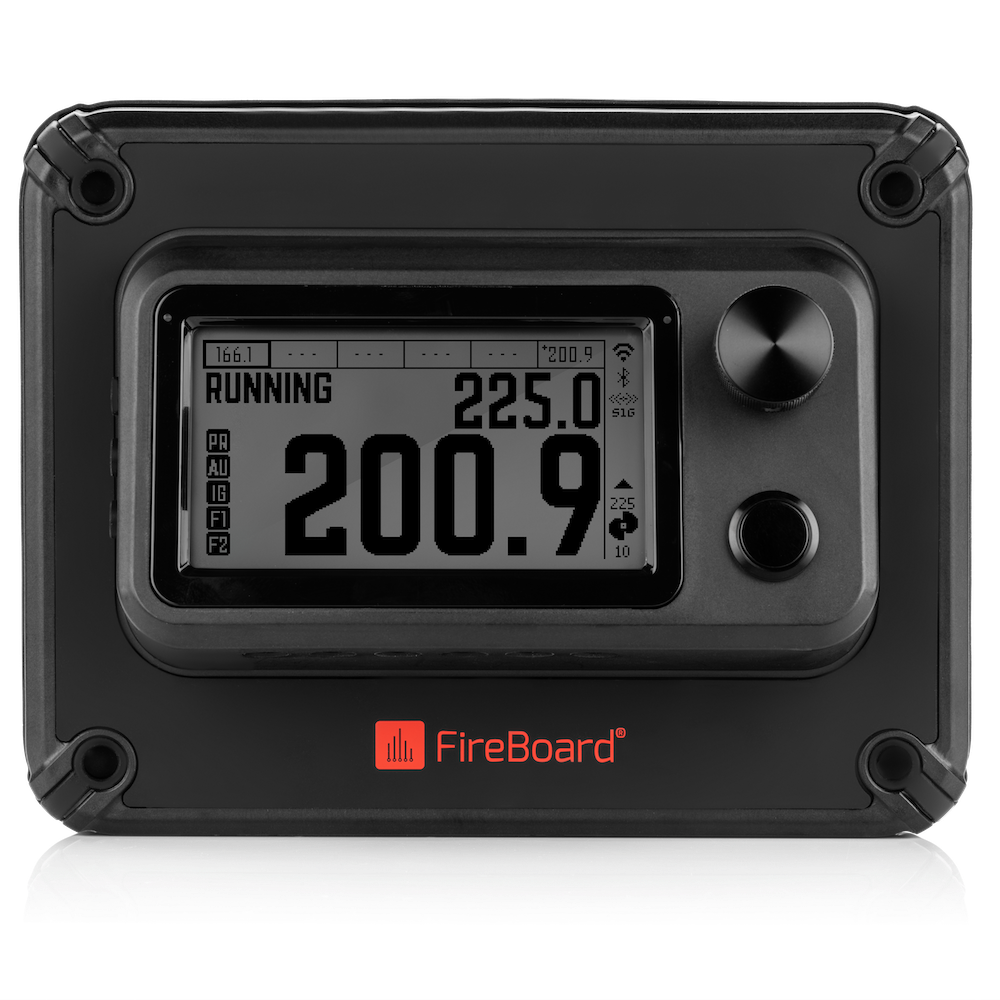
The Pellet Drive is designed for easy installation on most popular pellet grills, including Traeger®, Pit Boss®, and Camp Chef®.
Frequently Asked Questions
We have found that many of the pellet smokers from Traeger®, Camp Chef®, Pit Boss® and others WILL accept the FireBoard Pellet Drive as shipped. We have a Compatibility List coming soon. Currently, the FireBoard Pellet Drive wiring harness is NOT compatible with Green Mountain Grills. We are working on a solution for these specific smokers. Stay tuned to fireboard.com our email list and our socials for any updates to this.
The best way to determine compatibility is to open the hopper and/or pull the original controller from the smoker. If the original controller uses the white/clear Molex connectors as pictured, then there’s a very good chance that it will work. Our compatibility list is somewhat of a group-sourced project. If you find your smoker IS compatible but not on the list, let us know so we can include it!
Most older pellet smokers use a common electrical cord to plug in. If yours has a transformer or “wall wart”, it is NOT compatible. Also, if your smoker is already WiFi capable, there is a chance that it is NOT compatible. You can also peer inside the hopper through vent holes and potentially see the connections and see the Molex connectors
You may be able to modify the mounting of the FireBoard Pellet Controller in order to fit on your smoker. This may require some modifications to your pellet smoker for which FireBoard is not responsible. An example of this can be found here.
The FireBoard Pellet Drive ships standard with a drill bit and screws to mount directly to the pellet hopper. If you’d prefer to NOT drill holes into your pellet smoker, we offer 2 non-invasive mounting methods. The Easy Mounting Plate method and the Magnets method. These options are at an additional cost to the FireBoard Pellet Drive.
For the standard (included method), you will need a power drill, a Phillips screwdriver and some masking tape. For the (optional) Easy Mounting Plate method, you will need a standard Phillips screwdriver. For the (optional) Magnet mounting method, all tools are provided.
FireBoard offers a standard one year warranty on the FireBoard Pellet Drive. Any other warranties would be through the respective manufacturer of the other items. NOTE: as installation of the FireBoard Pellet Drive is a retrofit, you may be voiding any current warranties offered by the manufacturer.
The wiring harness included with the FireBoard Pellet Drive has 2 electrical leads for fans.
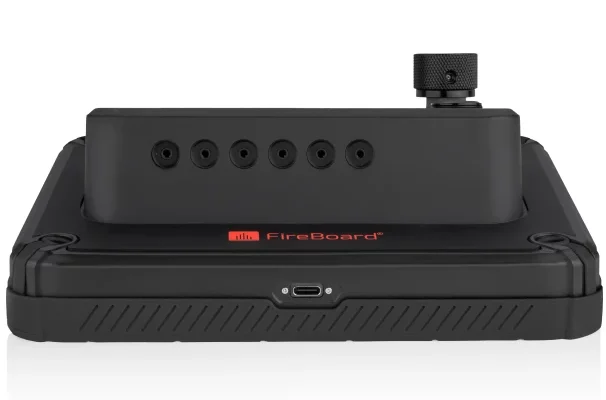
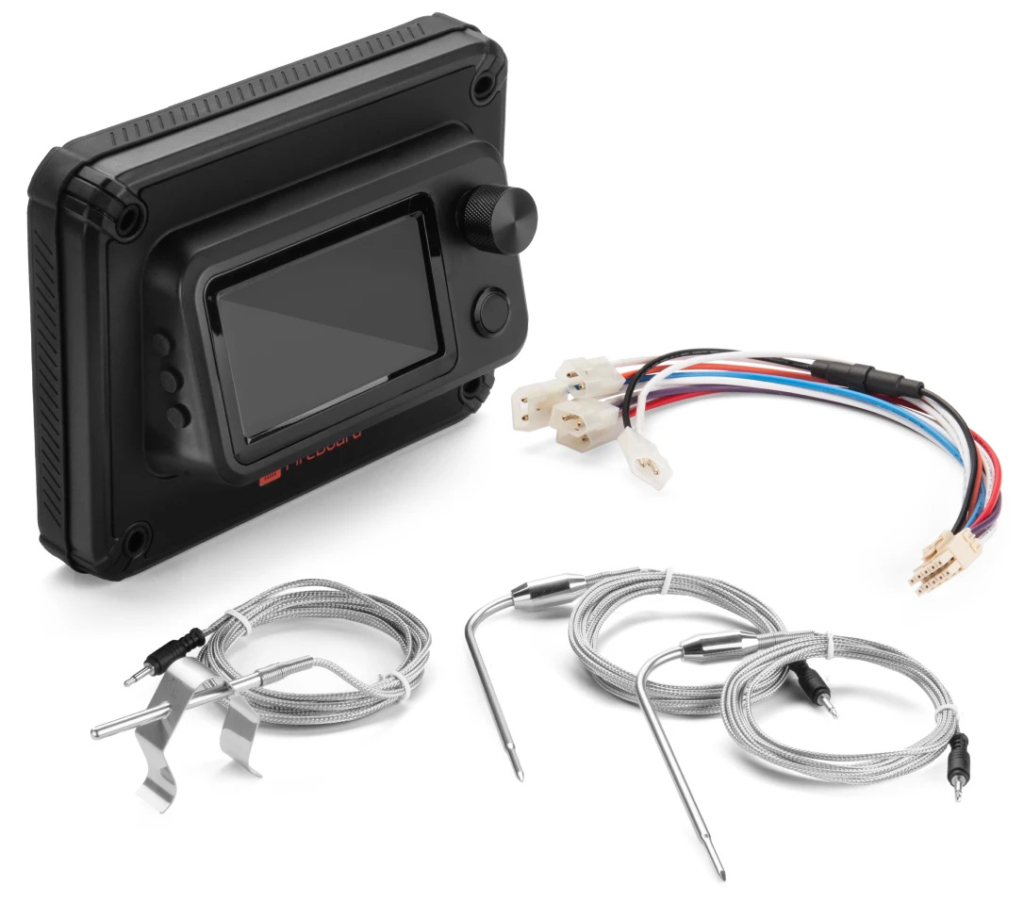
The FireBoard Pellet Drive completely replaces the original controller on your pellet smoker. The wiring harness has electrical leads with Molex connectors for: fan(s), auger, igniter and power. The internal temperature probe is connected to the circuit board by means of a removable terminal block. The Molex connectors are generally plug and play. The internal temperature probe requires 2 connections.
The FireBoard Pellet Drive ships with – the FireBoard Pellet Drive, rubber gasket, 2 food probes, 1 ambient probe, grill clip, wiring harness, blue terminal block, drill bit, 4 stainless steel screws, small screwdriver, mounting template, Quick Installation Guide, Quick Start Guide and other documentation.
Yes, both! Setup is conducted initially through a BlueTooth connection to your device. Control is possible with only a BlueTooth connection. However, BlueTooth is only stable for a few feet. The FireBoard Pellet Drive connects to your local WiFi network after setup through the FireBoard App.
Yes! The Pulse, manufactured with our S1G technology, is fully compatible with the Pellet Drive. S1G antennas are built-in to the Pellet Drive for this functionality!
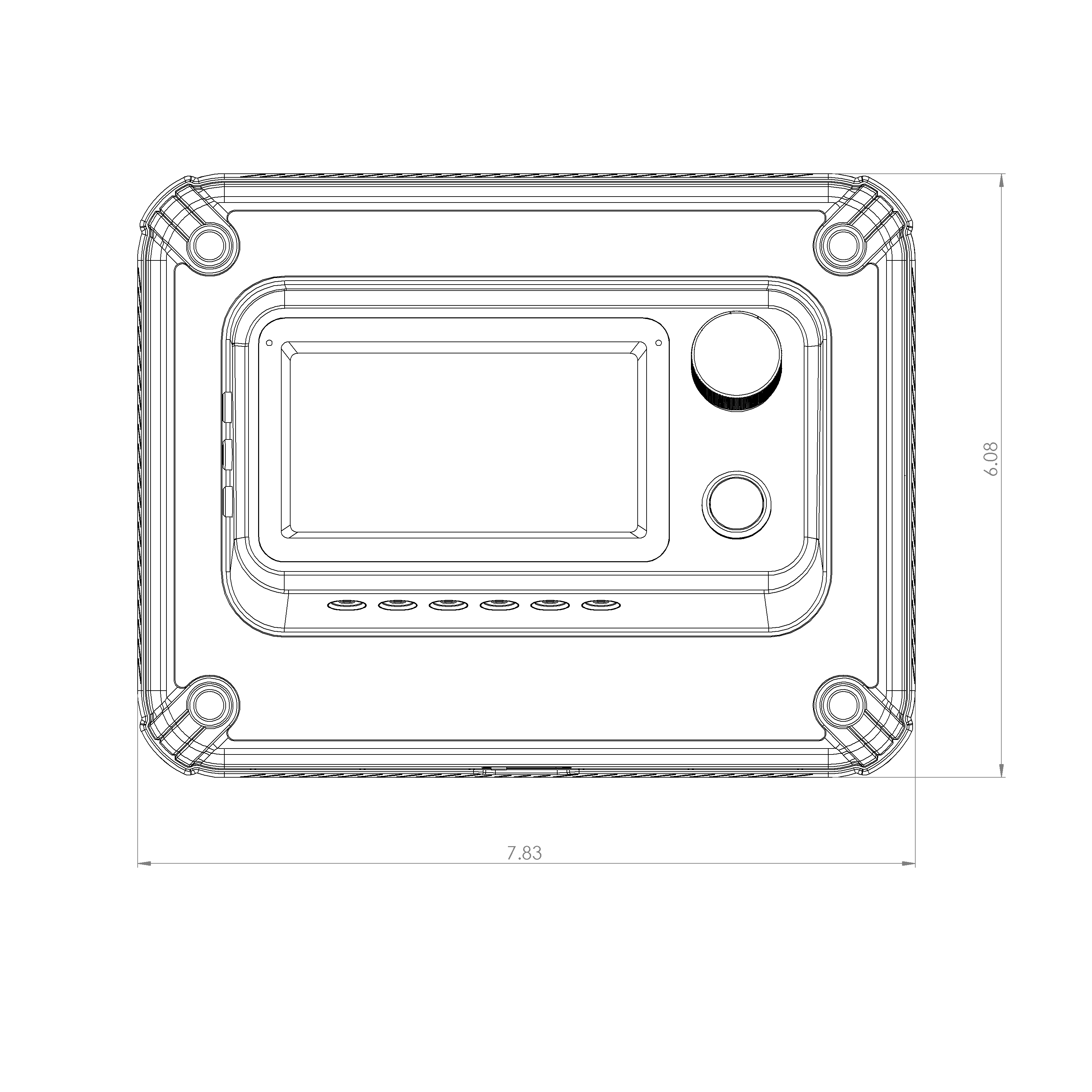
Dimensions are shown in the diagram below, in inches
Get started with the FireBoard mobile app
1. Download the app for iOS or Android
You can download the FireBoard app for free, whether iOS or Android. Once downloaded, create your FireBoard account. You’ll use this account to track and manage your cooks both in the app as well as on our online dashboard.


2. Sync your device
In the mobile app, navigate to Settings > Add New Device. If your FireBoard device is turned on, it will become available to sync – just like any standard Bluetooth device pairing. Simply tap to sync, and you’re ready to go.
3. Start cooking
Now that you’ve synced your FireBoard device to your account, it’s time to test it in the field. For details on your specific device, check out our online Knowledge Base. It’s frequently updated with new features, setup and troubleshooting guides, device specifications, and more.
