
- Drill
- Phillips Bit Screwdriver
- Masking Tape
- Drill Bit
- #8 Screws
- Mounting Template
- Small Flathead Screwdriver
- Pellet Drive with Gasket
- Wiring Harness
- Easy Mounting Plate (if purchased/sold separately)
- Magnets (if purchased/sold separately)
1. Remove old controller
Detailed instructions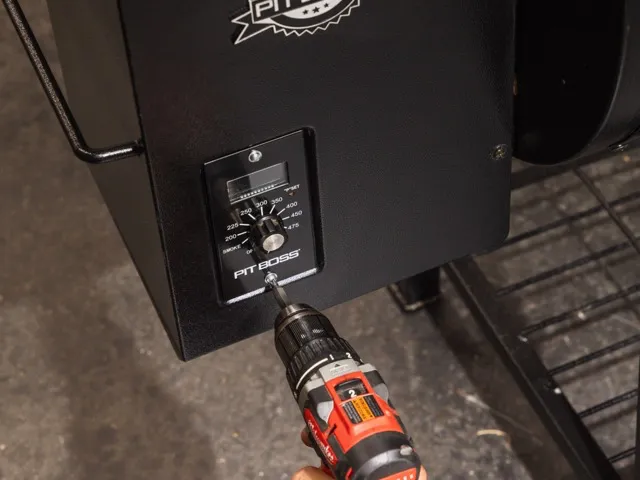
Unscrew the existing controller from the grill and save the mounting screws for reuse.
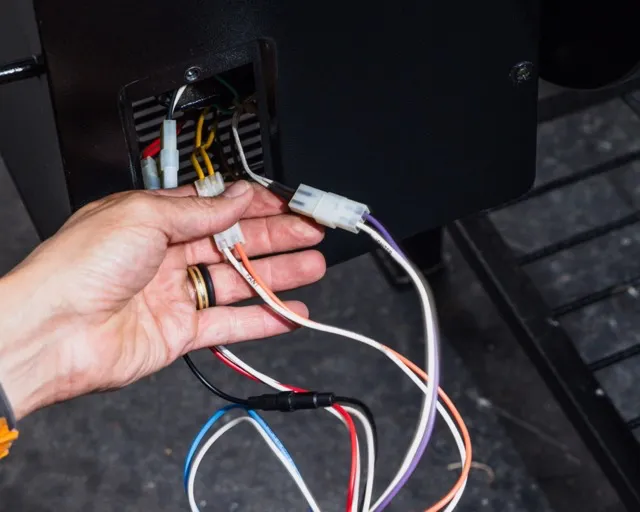
Disconnect all wiring from the old controller.
Label or note each wire’s position — this will be essential for correctly wiring the new FireBoard Pellet Drive (FBPD).
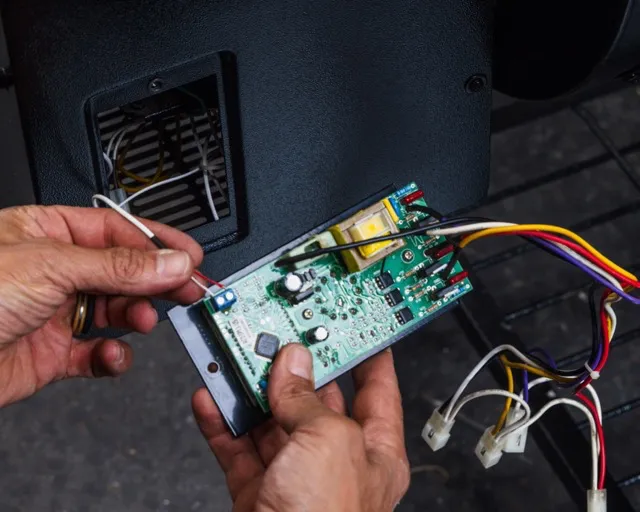
The internal grill temperature probe is separate from the other wires. You will need to remove these from the board with a screwdriver or by cutting them.
2. Prepare the Grill or Smoker for the new controller.
You may attach the FBPD using one of several mounting methods. Choose the one that best matches your grill’s configuration.
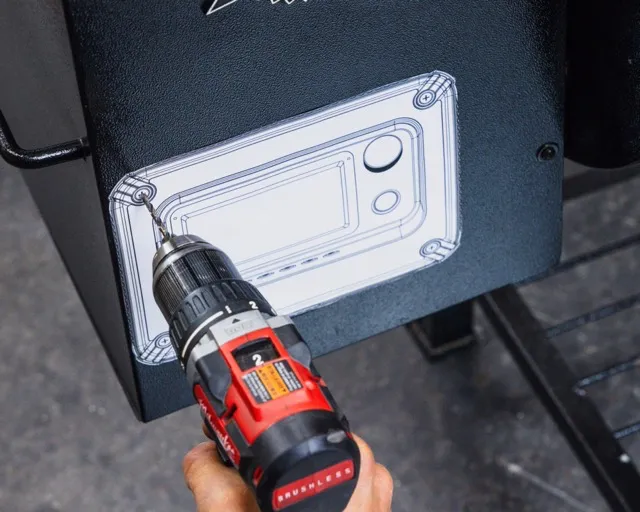
Screw-On Method
- Tape the provided mounting template securely to the grill’s surface.
- Using the supplied drill bit, carefully drill holes as indicated on the template.
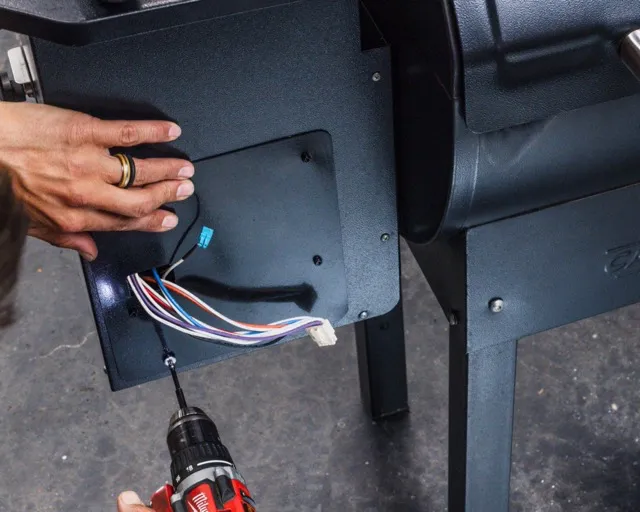
Easy Mounting Plate (EMP) Method
- Connect the ends of the wiring harness to the grill’s plugs, then pull the harness through the EMP opening.
- Attach the custom mounting plate to the grill using the screws saved earlier.
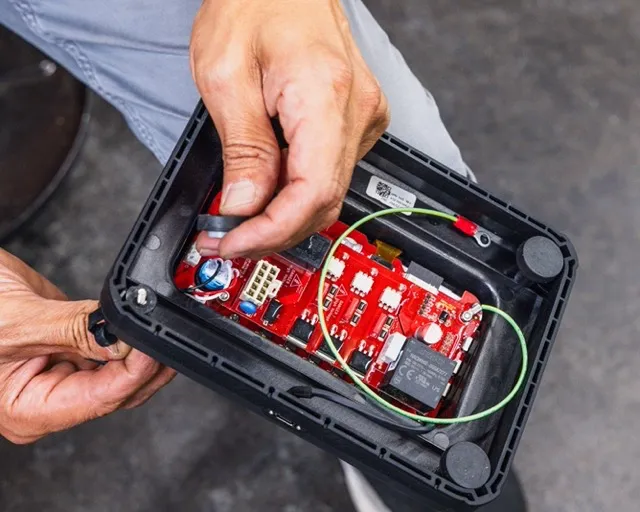
Magnet Method
Attach the magnets firmly to the base of the FBPD using provided screws with spacers between the magnet and the FBPD housing.
3. Install the new FireBoard Pellet Drive
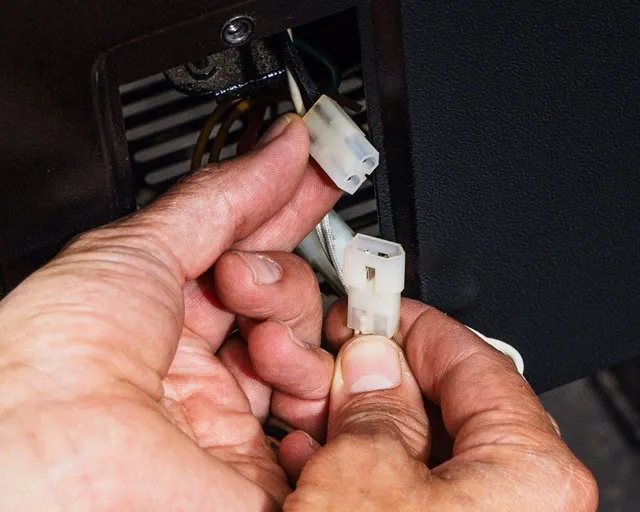
Connect the ends of the wiring harness to the grill’s plugs matching each wire to the corresponding connection you noted earlier.
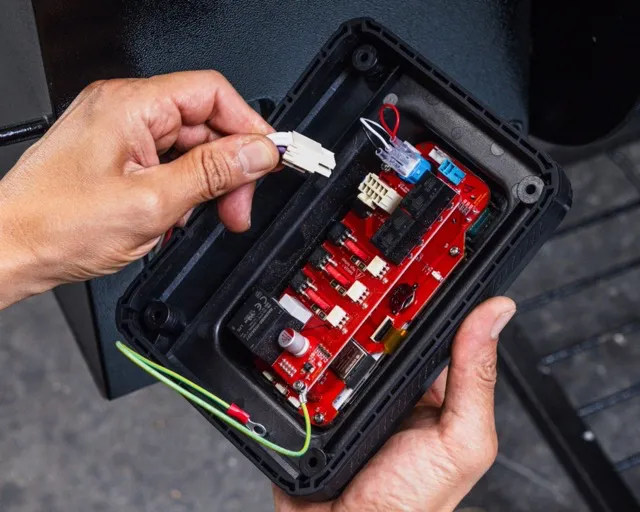
Connect the wiring harness to the FireBoard Pellet Drive.
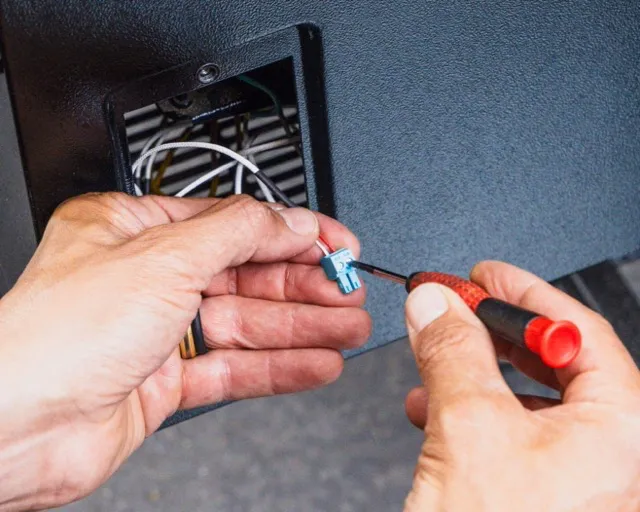
Connect the temperature probe wire to the blue connector. Either wire can be attached to any location on the blue connector. Connect the blue connector to the corresponding jack on the FBPD circuit board.
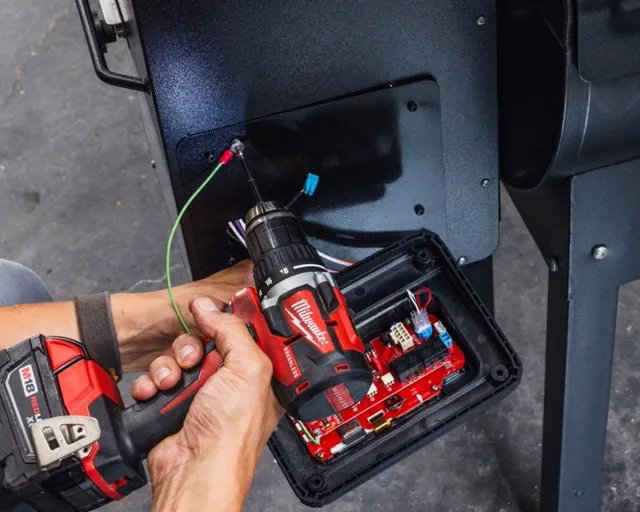
Connect the green wire to the grill body using one of the screws and mounting points previously used to secure the original controller.
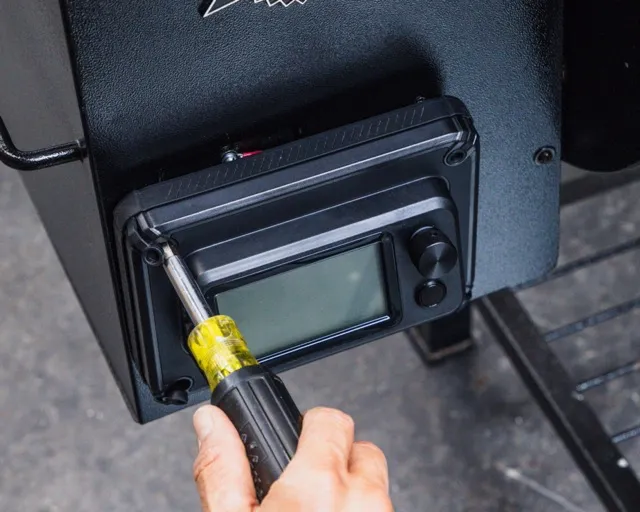
Secure the FBPD to the grill using the method prepared in Step 2 (screw-on, mounting plate, or magnet).
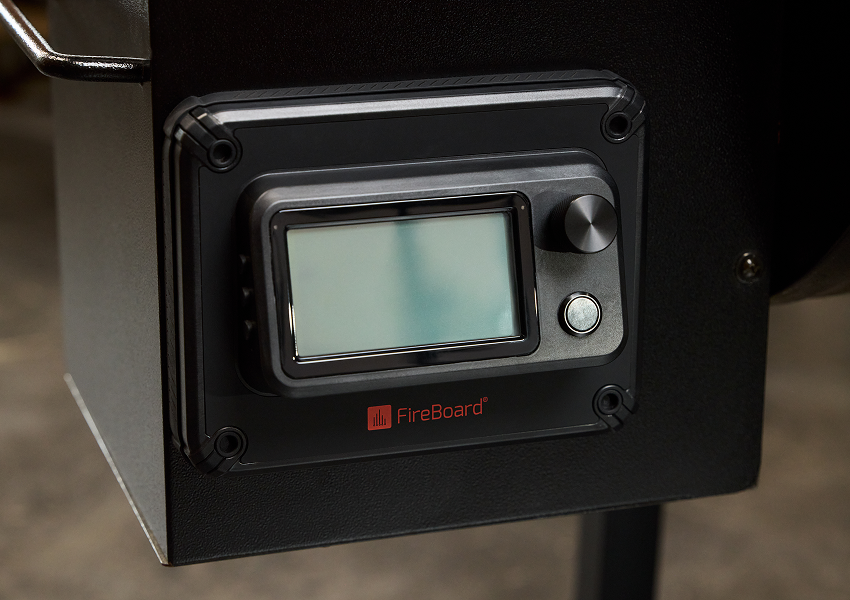
Plug in the unit and power it on.
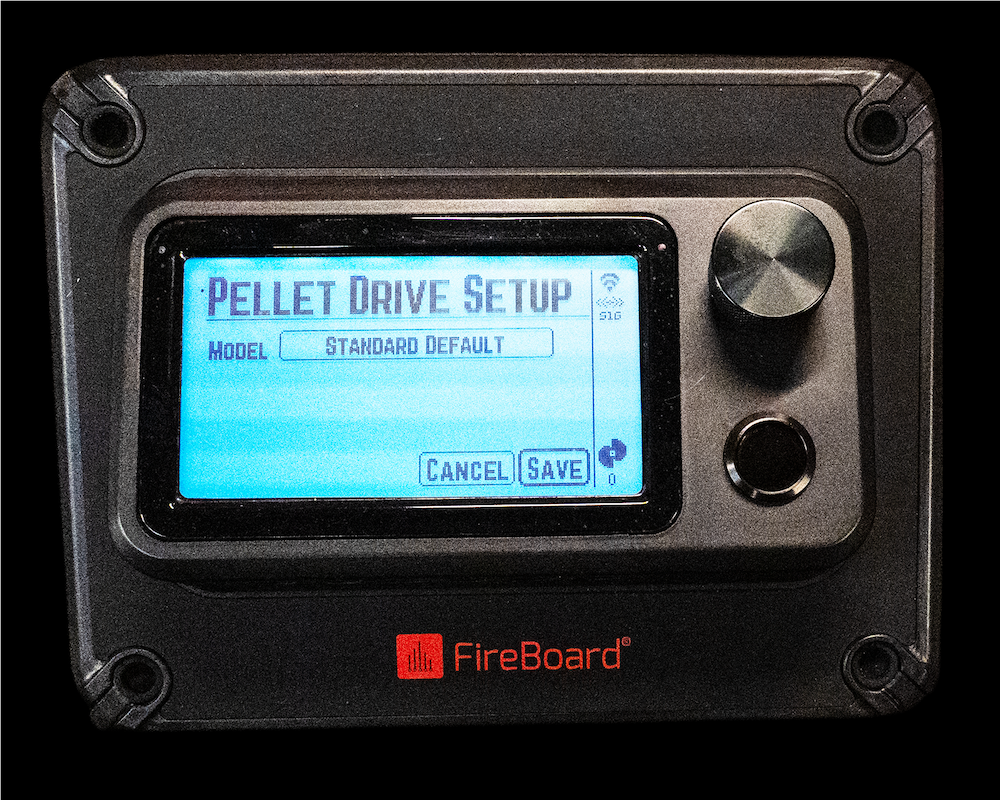
Once powered on, the unit will display the Pellet Drive Setup Screen. Scroll the encoder knob to highlight the SAVE button. Press the encoder knob to save the setup.
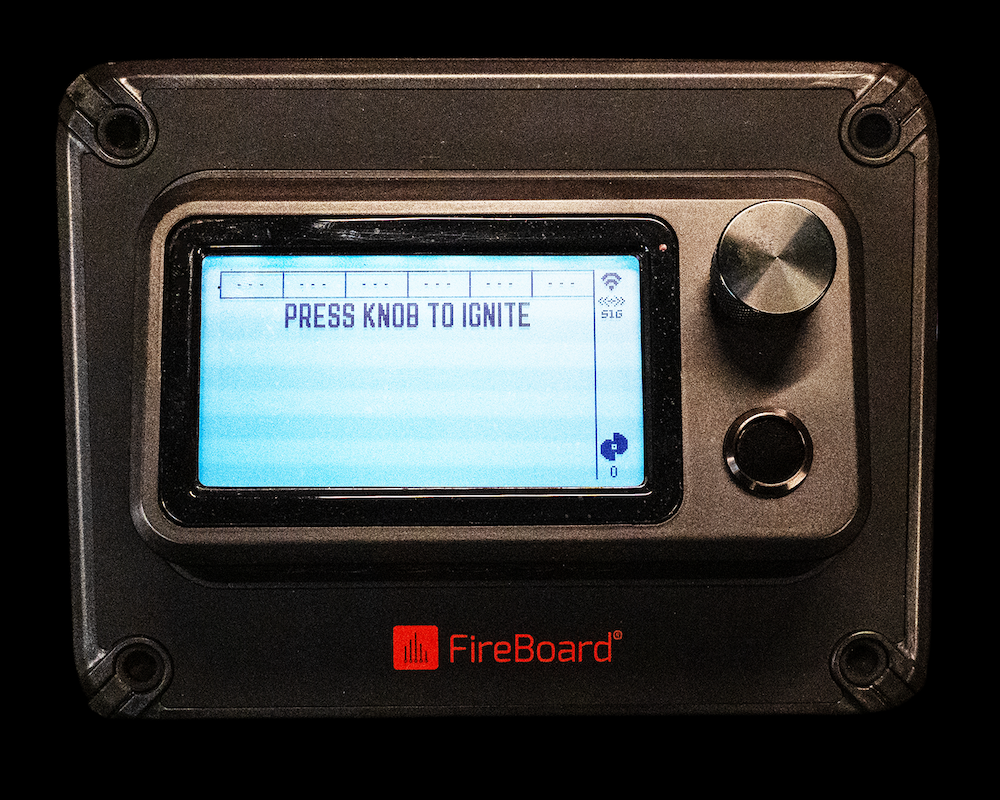
Press the encoder knob to IGNITE the smoker
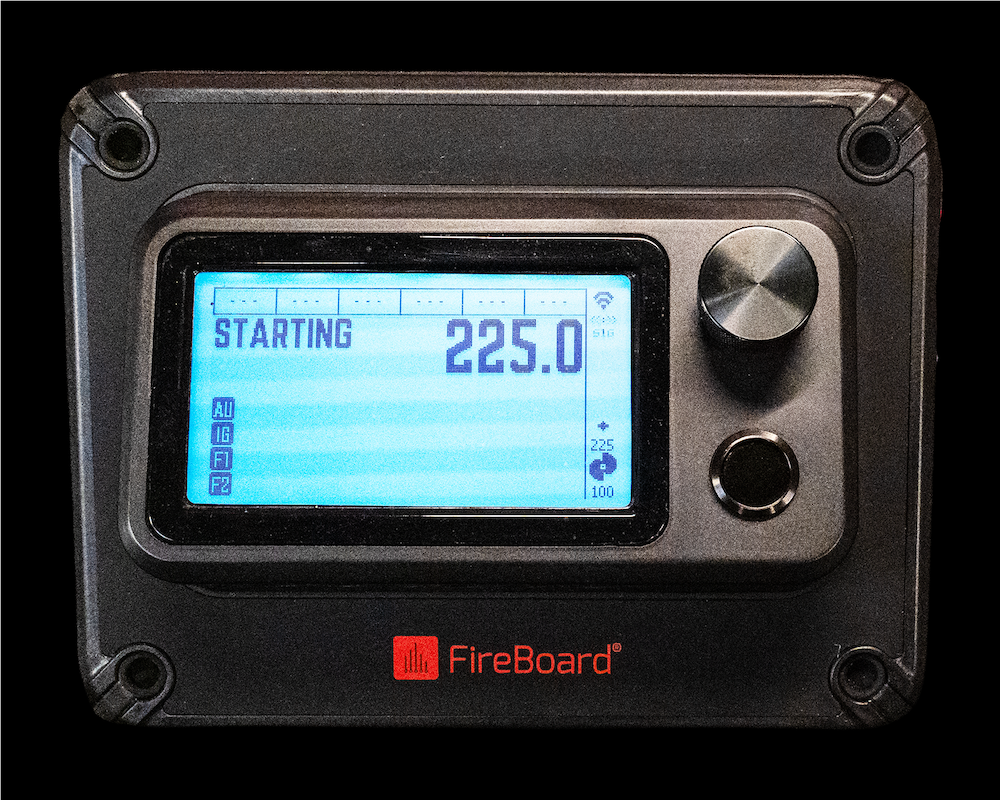
Rotating the encoder knob will set the desired pit temperature.
Please refer to the Quick Start Guide on downloading and setting up the FireBoard App. The Quick Start Guide also provides additional details about your new Pellet Drive.