
Method 2. Securing with Magnets (separate purchase).
Follow the steps described in Method 2 for proper device installation. Install magnets (purchased separately) to the Pellet Drive.
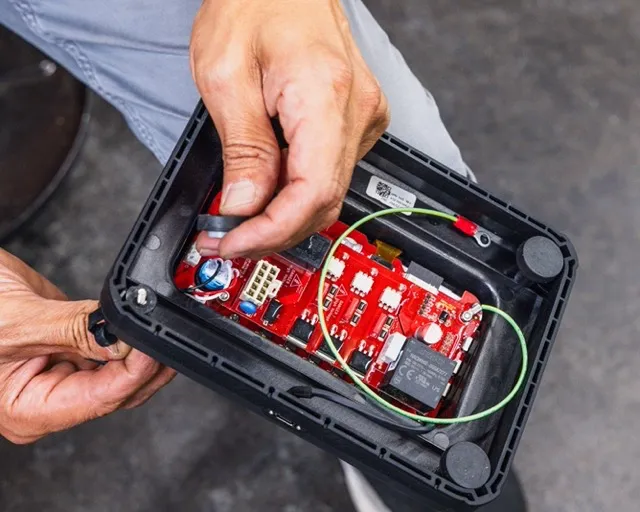
Insert the screws provided from the front of the Pellet Drive through the hole.
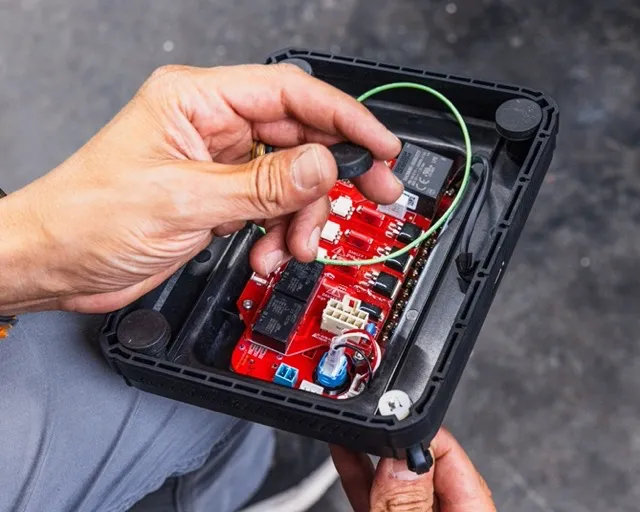
Place a spacer over the end of the screw.
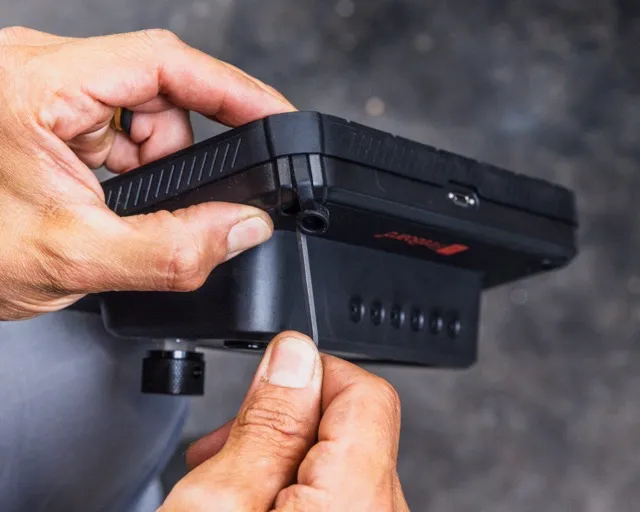
Screw on the magnet using the provided Allen wrench.
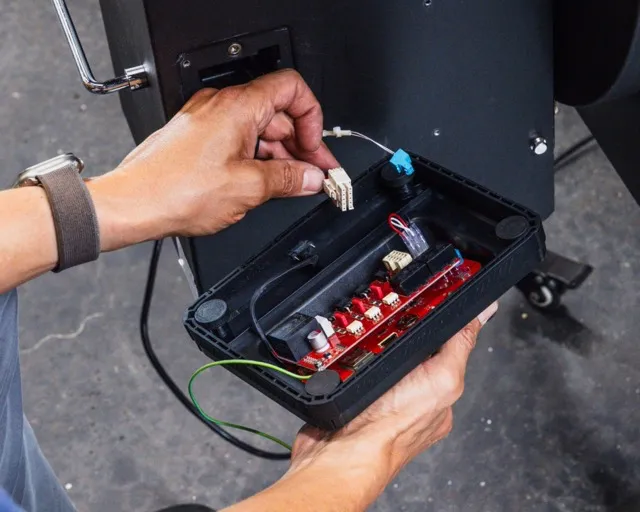
Secure wiring harness to Pellet Drive making sure it is fully seated (pushed in).
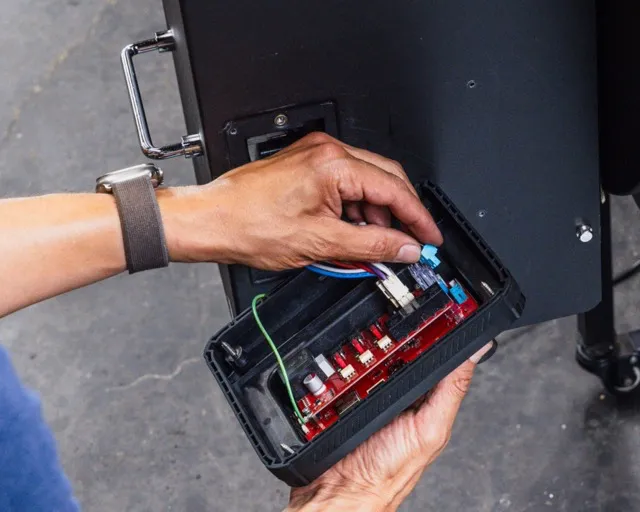
Attach the blue connector to corresponding connector on new Pellet Drive making sure it is fully seated.
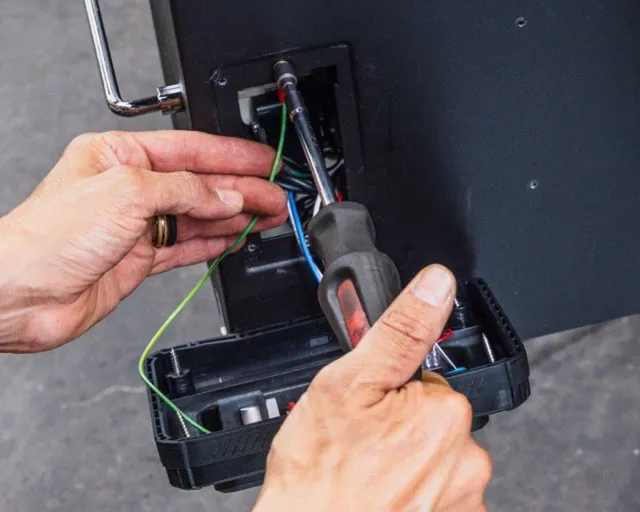
Attach the green wire from the Pellet Drive to one of the original controller mounting locations, using the same screw that was previously used.
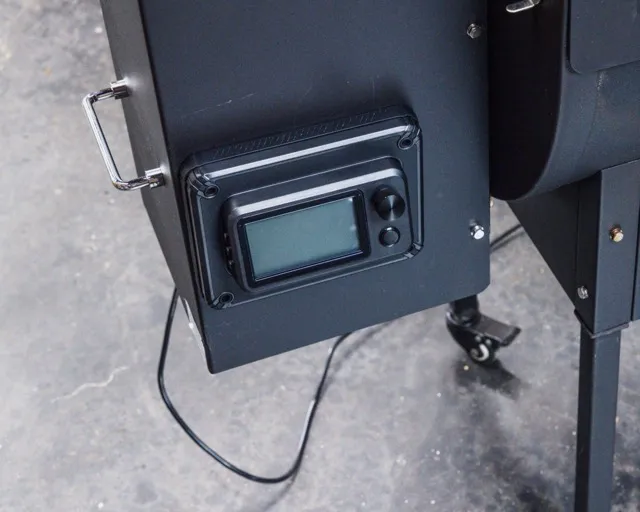
Gently push wires back into hopper. Set Pellet Drive into place making sure no wires are trapped under gasket of Pellet Drive.
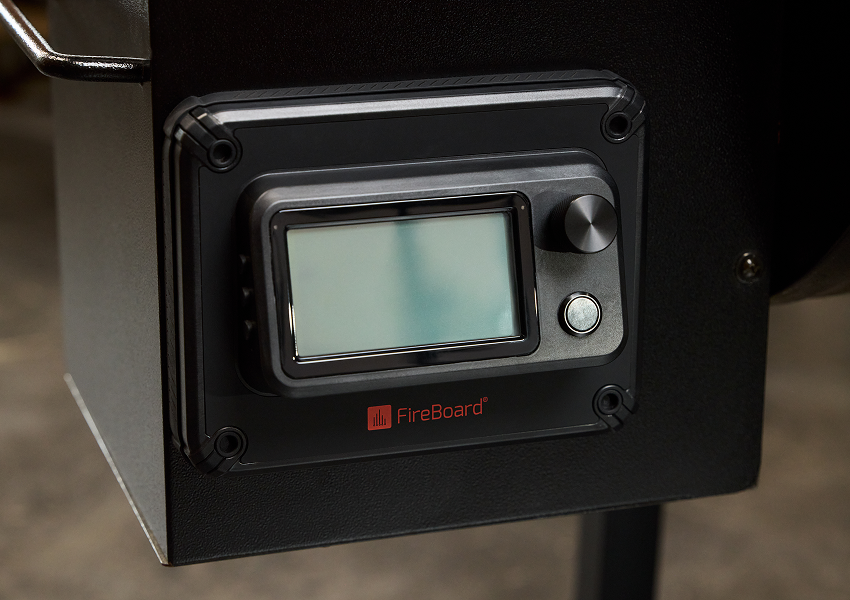
Plug in and power up by pressing in the power button on the front of the Pellet Drive.
NOTE: Also make sure the rubber gasket surrounding the Pellet Drive isn’t folded over on itself or creased in any way. Fold screw plugs over the Pellet Drive and push into the screw holes to fully seal.
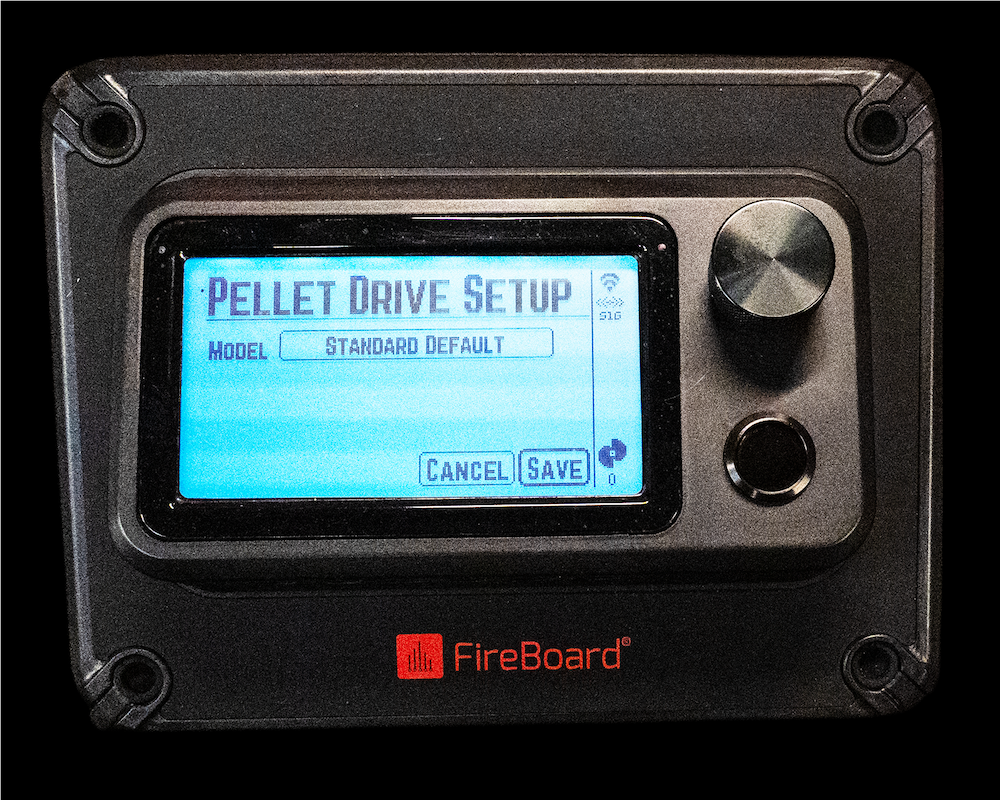
Once powered on, the unit will display the Pellet Drive Setup Screen. Scroll the encoder knob to highlight the SAVE button. Press the encoder knob to save the setup.
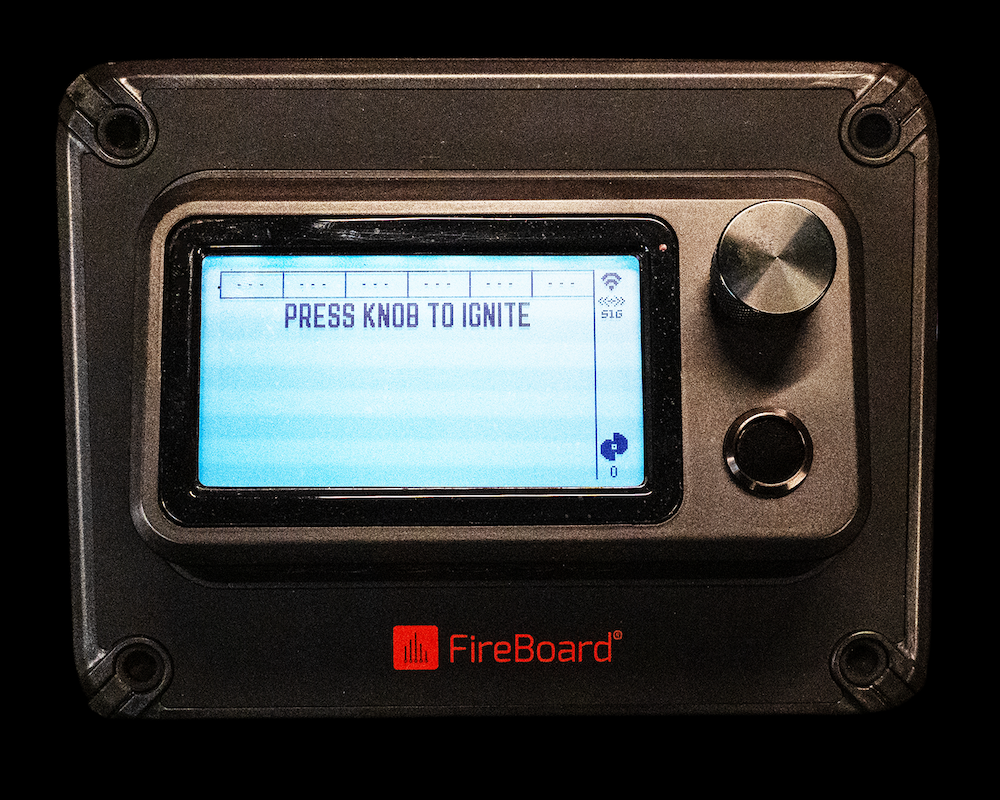
Press the encoder knob to IGNITE the smoker
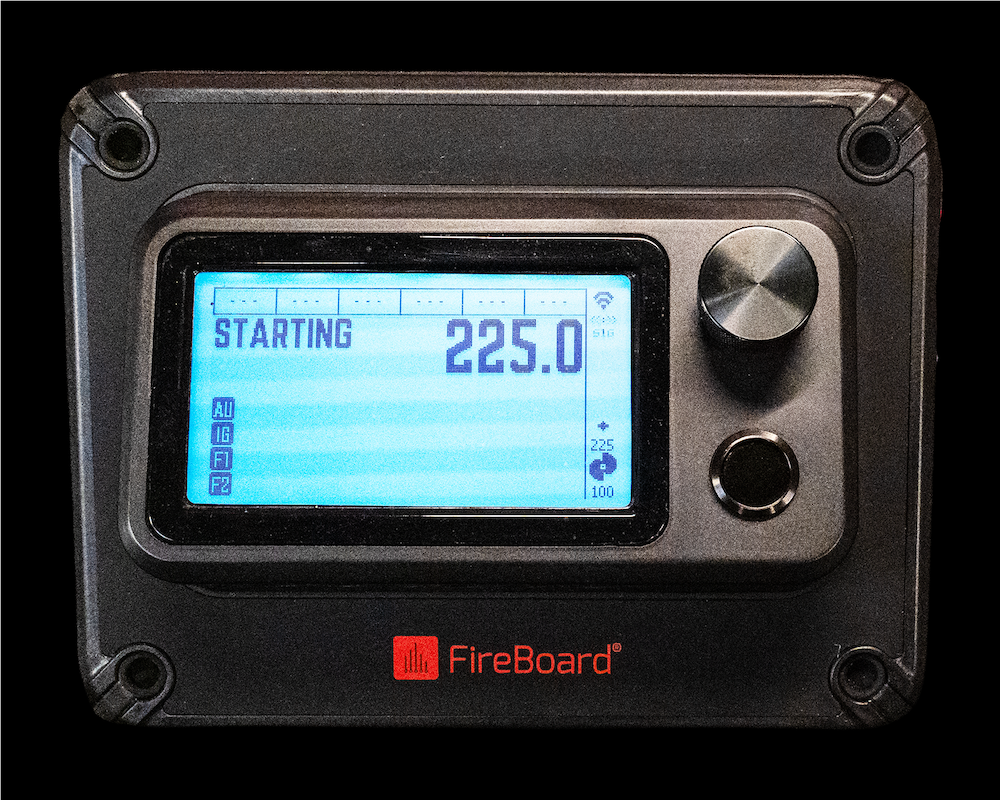
Rotating the encoder knob will set the desired pit temperature.
Please refer to the Quick Start Guide on downloading and setting up the FireBoard App. The Quick Start Guide also provides additional details about your new Pellet Drive.
Other installation methods: